Tasks
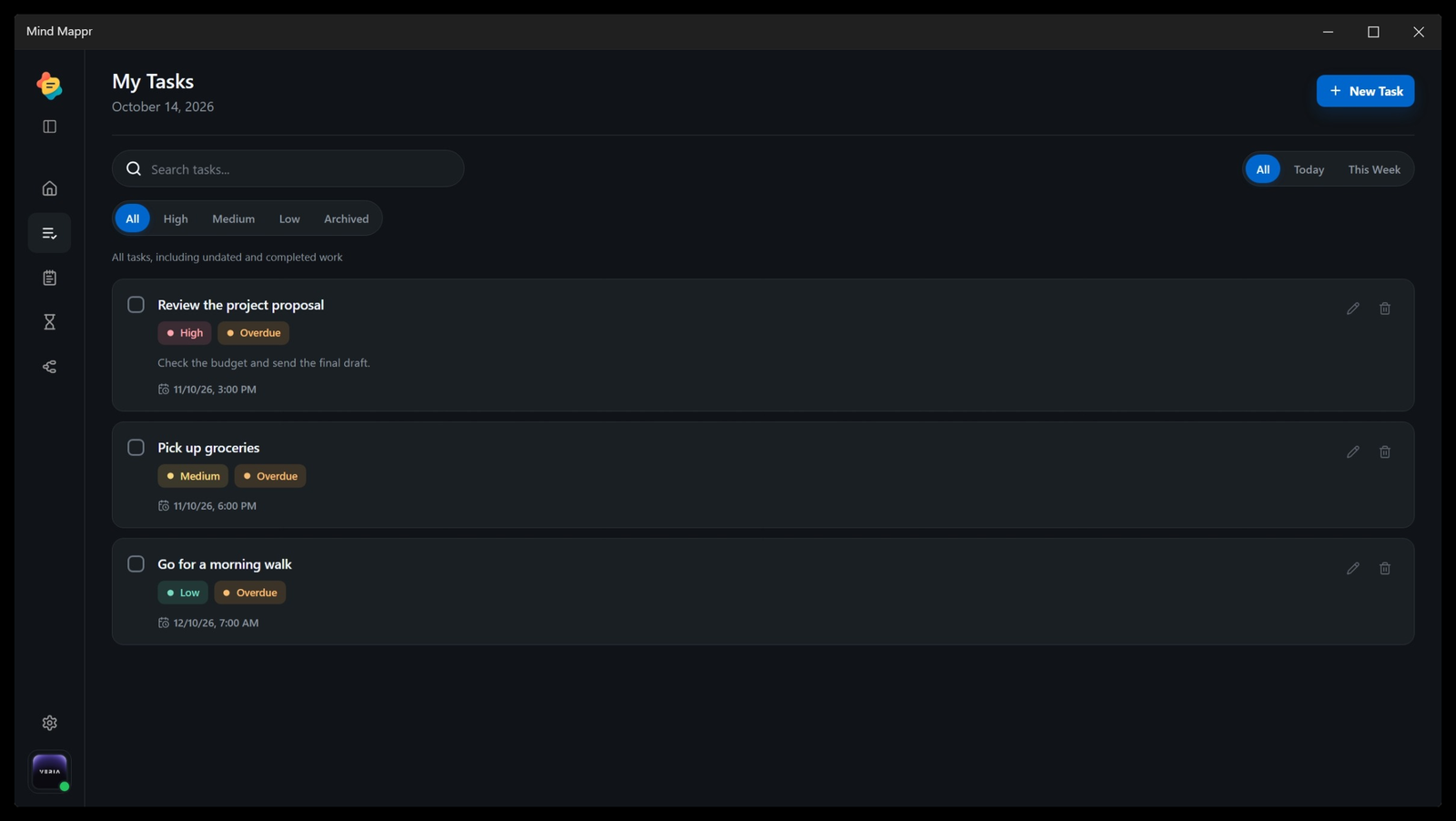
Plan daily execution with task lists that sit inside the same productivity workspace as notes and focus tools.
Bring your notes, tasks, and mind maps back into focus.
Try Mind Mappr
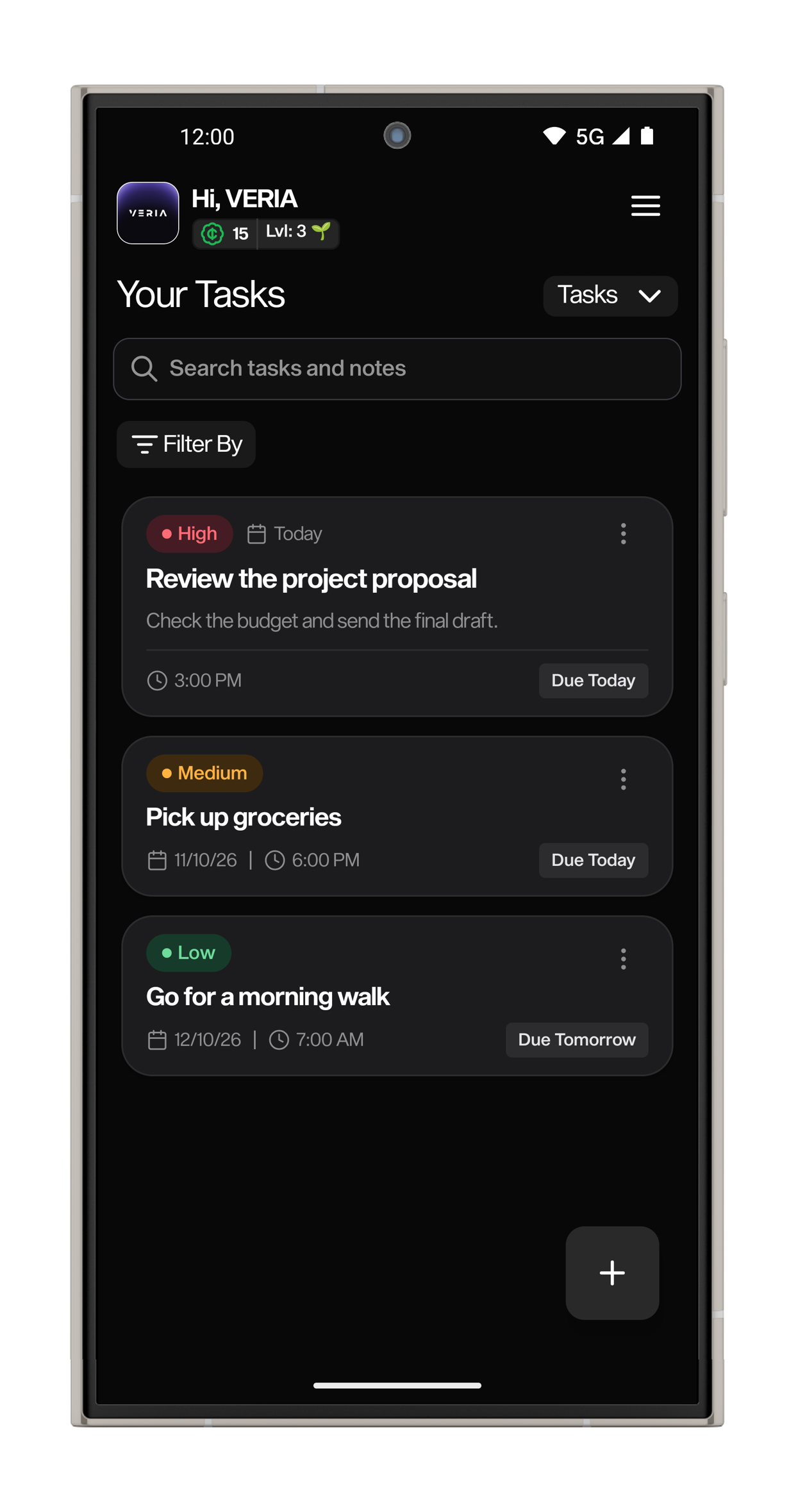
Each part of Mind Mappr has a clear job in the path from capture to completion.
Quick notes and tasks keep the first version of the idea close.
Mind maps help reveal connections before the work becomes a checklist.
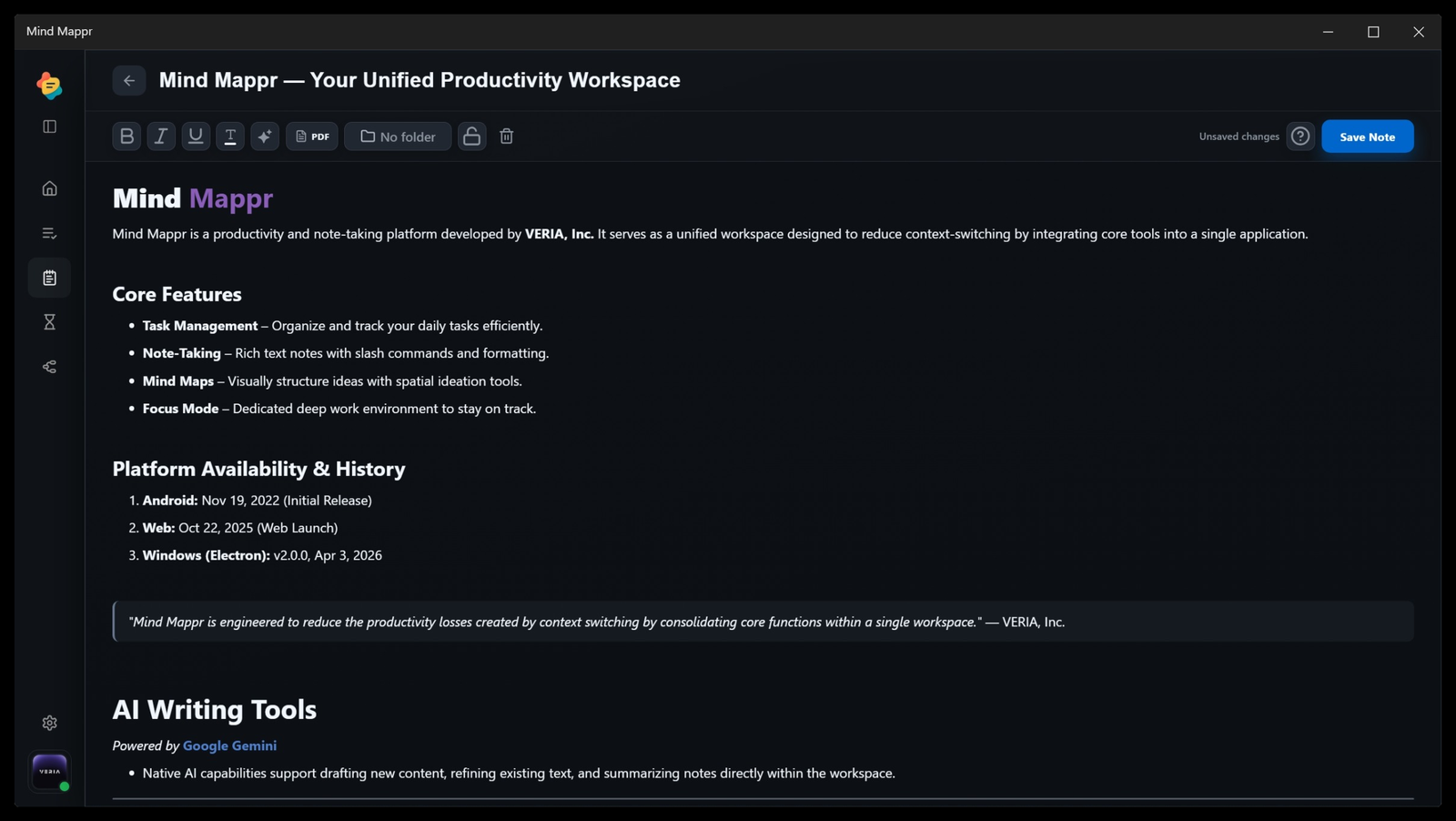
Gemini-assisted tools draft, summarize, refine, and format within Notes.
Focus mode turns the plan into a deliberate block of uninterrupted work.
Mind Mappr includes AI-assisted writing described as powered by Google Gemini, supporting drafting, refinement, summarization, and formatting assistance inside the notes experience.
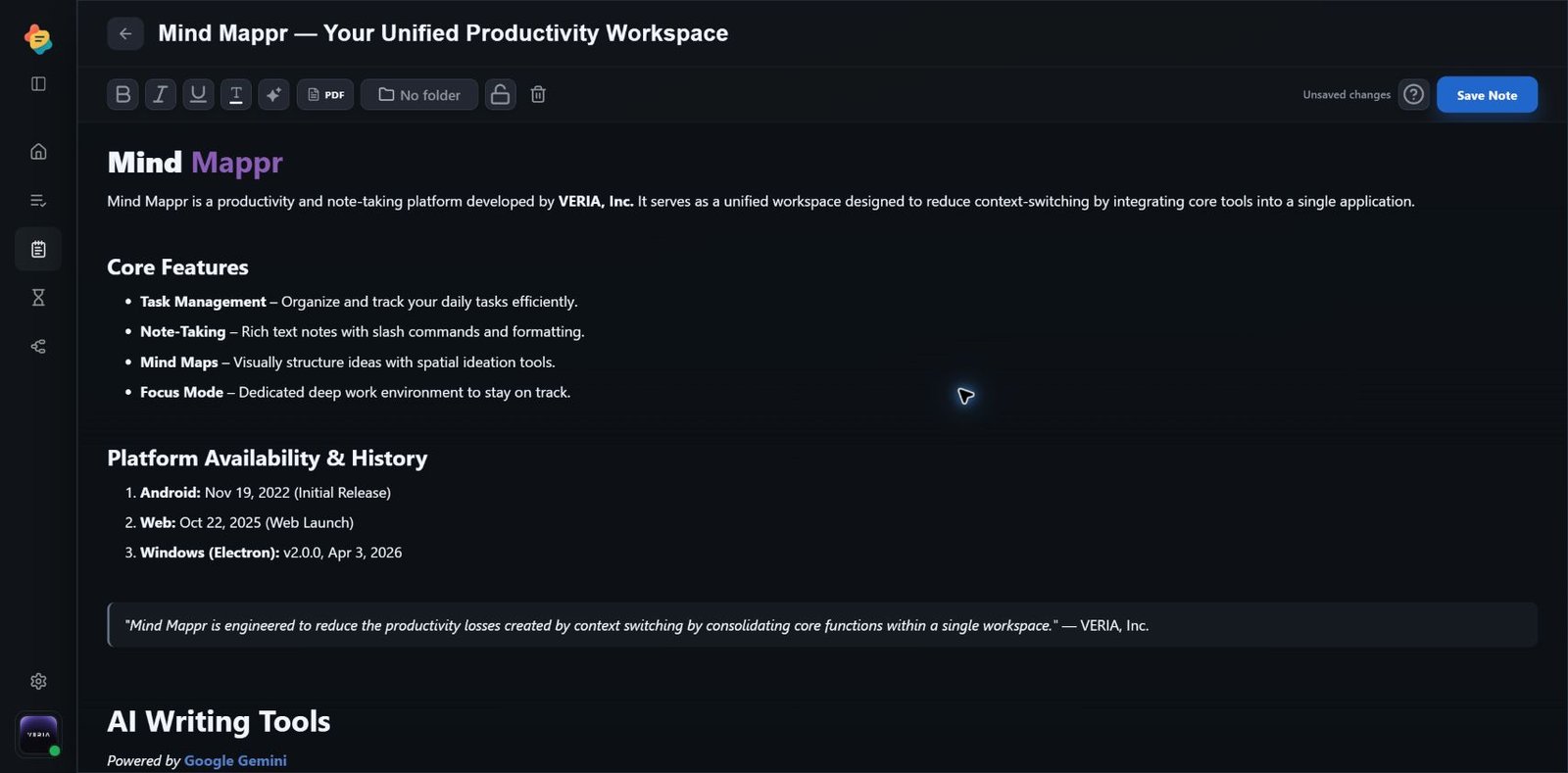
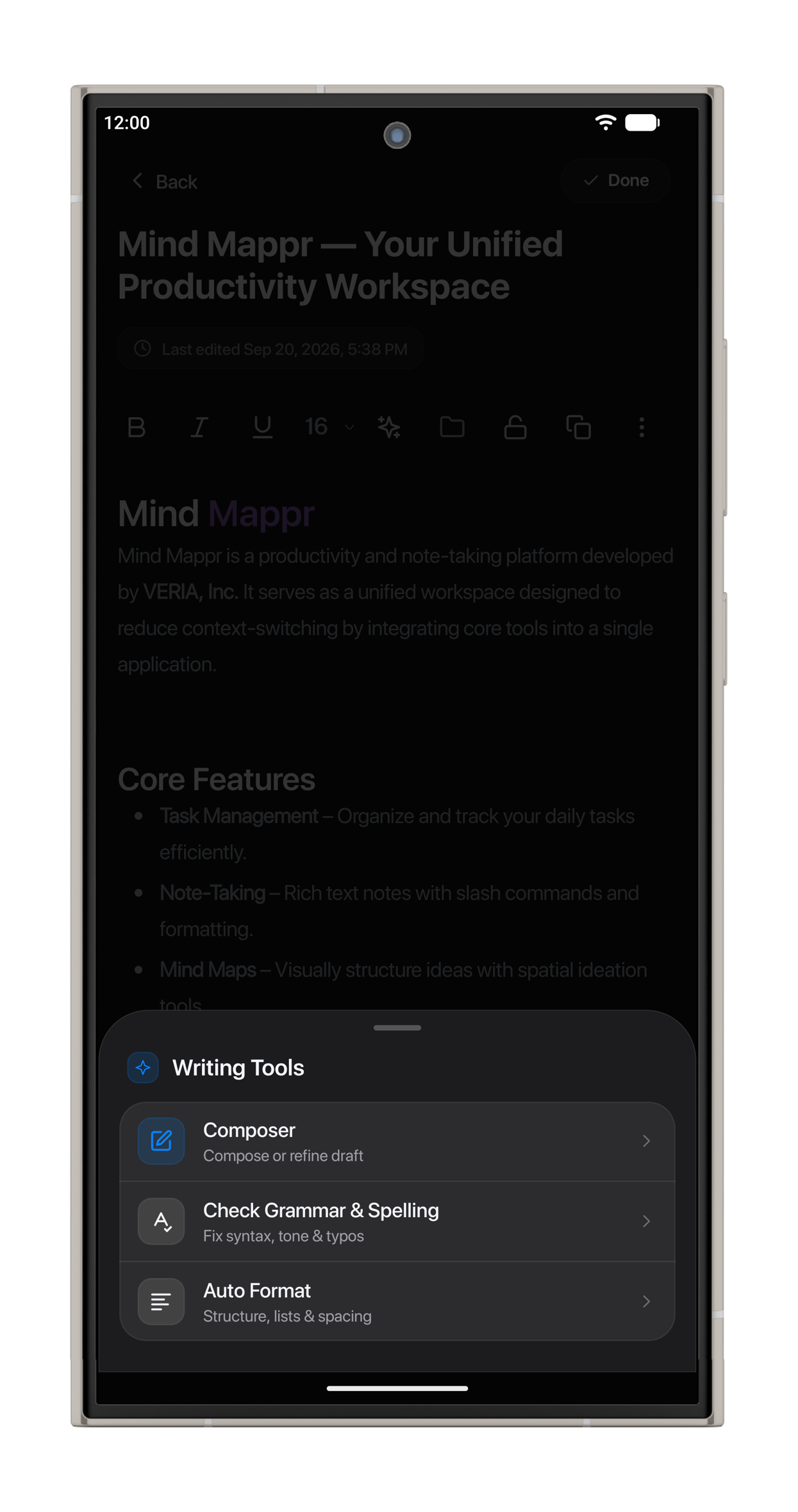
Draft, refine, summarize, and format without leaving the notes experience.
Use focused sessions without leaving Mind Mappr.
Keep recent tasks and notes beside the Focus Timer on your dashboard.
Start a 25-minute session with the built-in Focus Timer.
View Time Focused, your daily focused-time overview, and the focus heatmap in My Analytics.
Build the full structure on desktop, then capture a new branch on your phone.
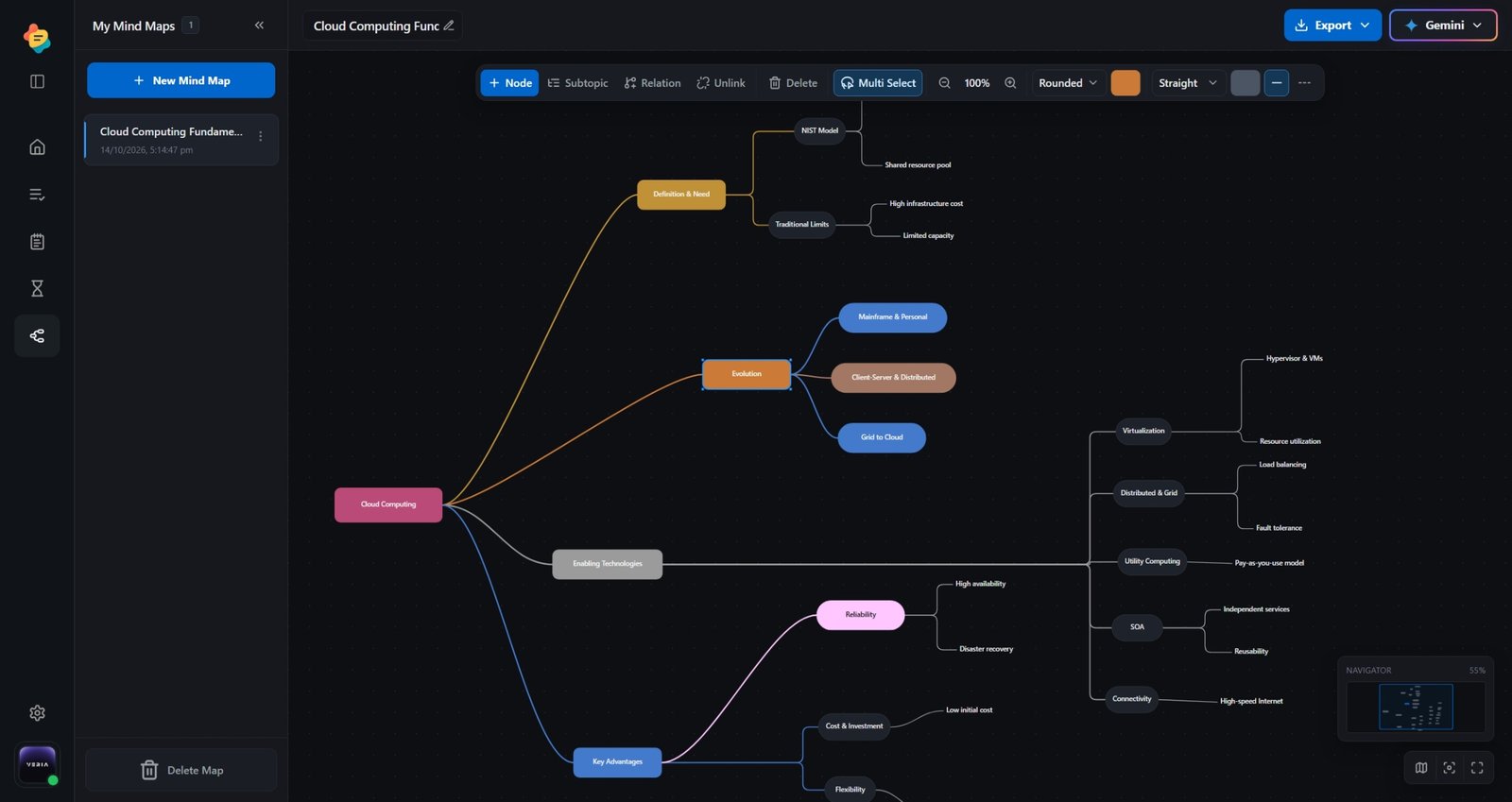
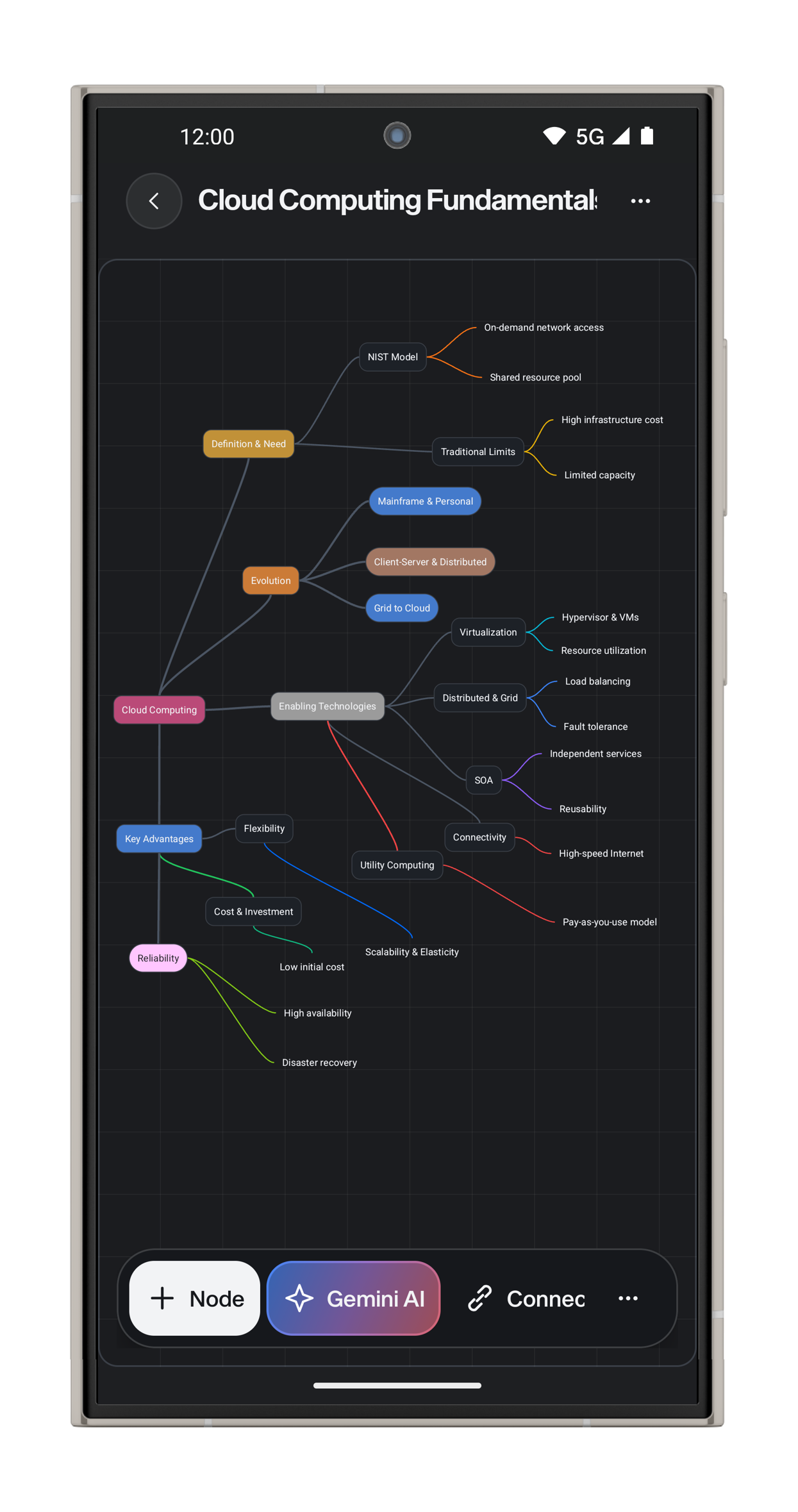
Work from Android, the web app, or Windows depending on the screen that fits the moment.
Use web when you need room for notes, mind maps, AI writing, and task planning together.
Use Android when you need to add a task, note, or idea immediately.
Use Windows when Mind Mappr should stay available beside your regular desktop work.
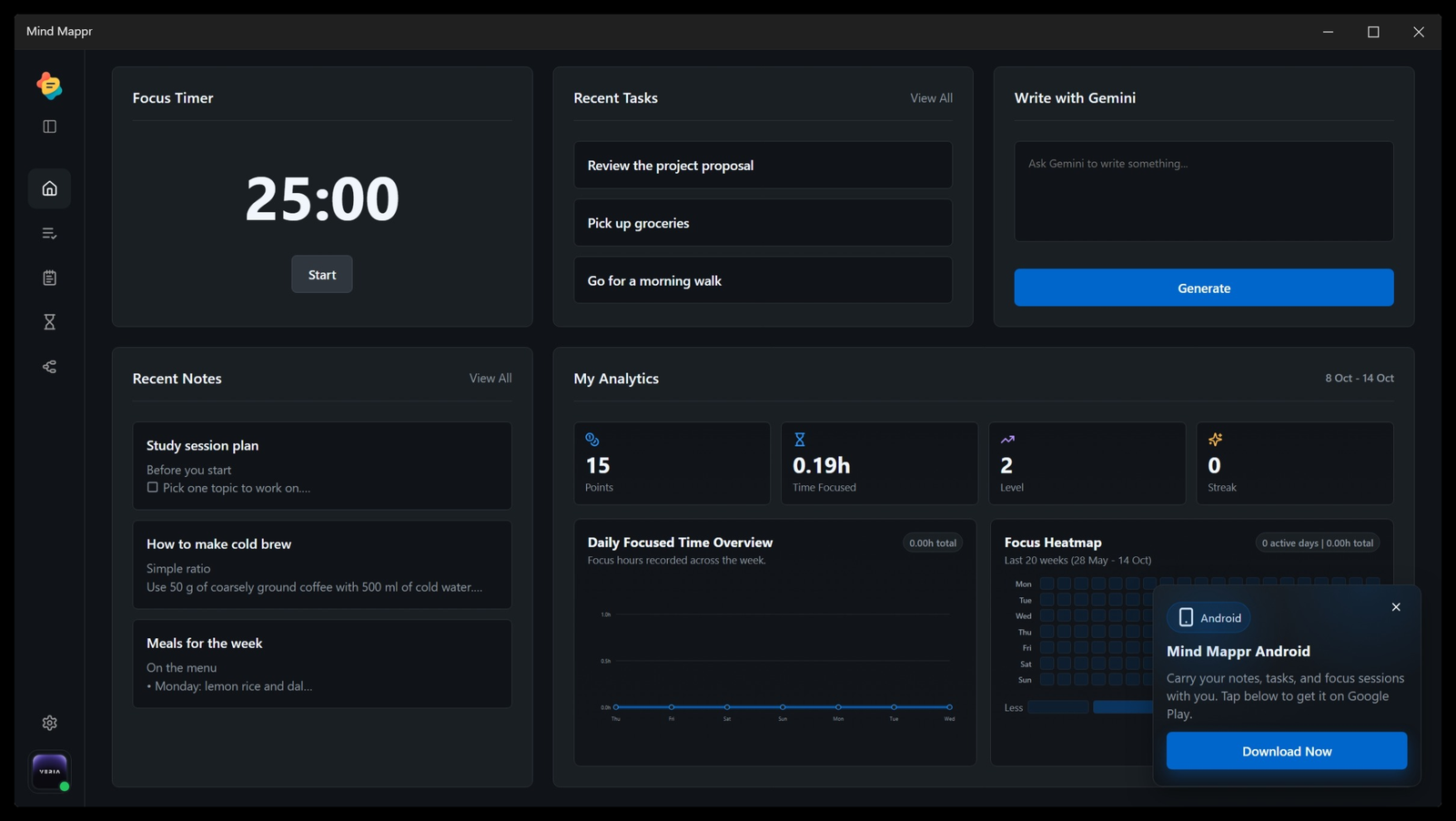
Plan daily execution with task lists that sit inside the same productivity workspace as notes and focus tools.
Capture structured information, draft longer content, and keep useful context beside your tasks.
Turn ideas into visual structures before converting them into clear work and study plans.
Work from Android, the web app, or Windows depending on the screen that fits the moment.
Mind Mappr is available across Android, web, and Windows.
View All PlatformsCopyright. Copyright © 2020-2026 VERIA. All rights reserved. Unless otherwise stated, the text, page design, original graphics, and related content presented on this page are identified as proprietary material associated with Mind Mappr and VERIA.
Mind Mappr and VERIA names. VERIA™ and Mind Mappr™ are proprietary trademarks. The software’s user interface, original graphics, and layout are the exclusive intellectual property of VERIA. Unauthorized reproduction or utilization of these assets is strictly prohibited.
Third-party services. References to third-party products or services, including distribution platforms and AI services, are provided only for identification, compatibility, or descriptive purposes. Their use remains subject to the separate terms, privacy policies, and licensing conditions of their respective providers.
No endorsement. Mention of any third-party company, product, trademark, or service does not imply sponsorship, endorsement, or formal affiliation unless expressly stated by VERIA, Inc.