No install.
No delay.
Open tasks, notes, mind maps, AI writing, and focus tools in your browser.
Open web app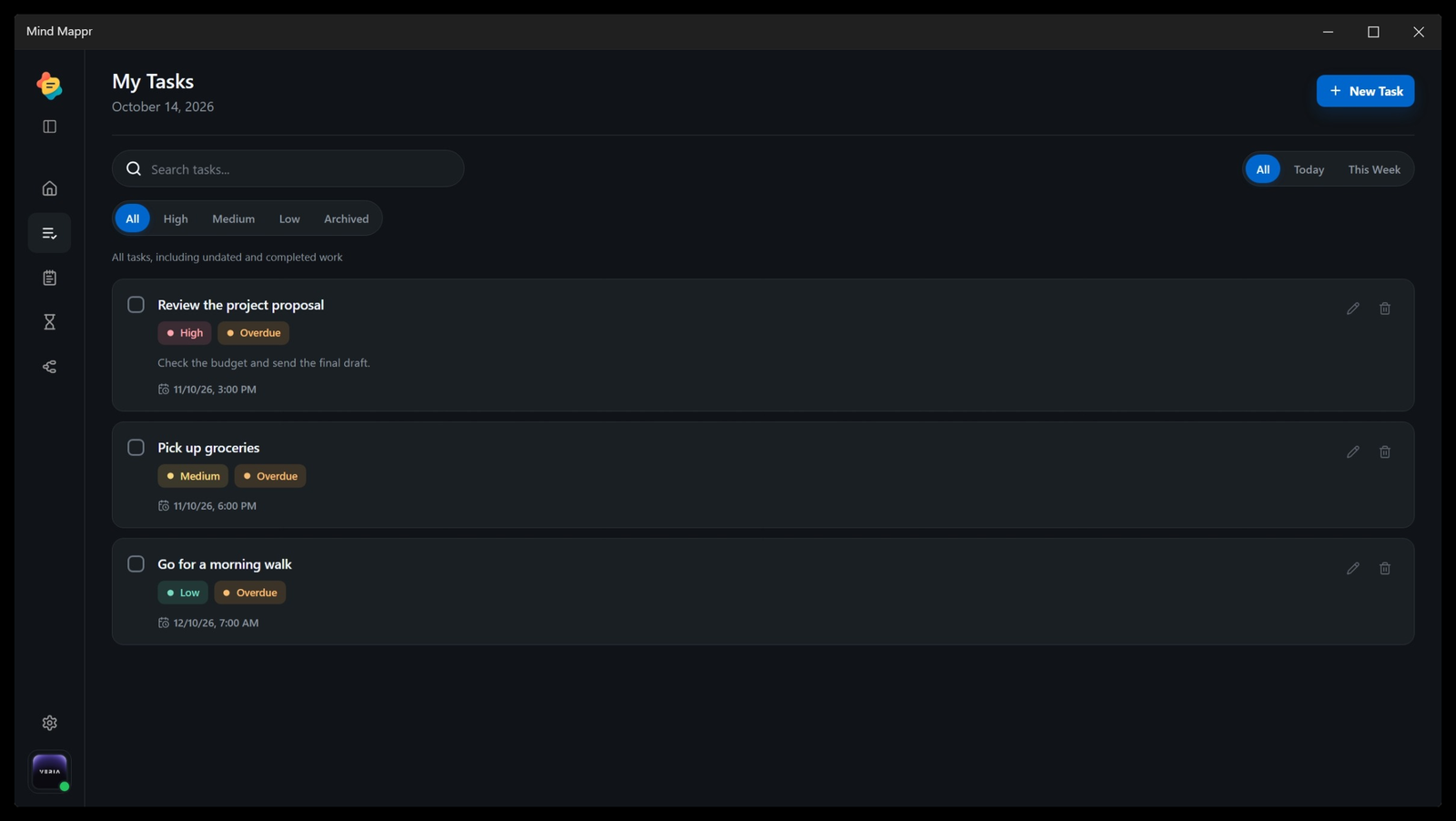
Open the browser, carry Android, or settle into the Windows canvas.
Capture a task, write a note, map an idea, and start a focus session. Mind Mappr puts these tools together.
| Built-in tool | Google Keep | Notion | Todoist | Mind MapprONE WORKSPACE |
|---|---|---|---|---|
| Task lists / checklists | ||||
| Notes (including task notes) | ||||
| AI content assistance | ||||
| Visual mind-map editor | No documented built-in tool for this row | No documented built-in tool for this row | No documented built-in tool for this row | |
| Built-in focus timer | No documented built-in tool for this row | No documented built-in tool for this row | No documented built-in tool for this row | |
| All five categories built in | No documented built-in tool for this row | No documented built-in tool for this row | No documented built-in tool for this row |
Ticks mark documented built-in capabilities; blank cells indicate no documented built-in tool. Third-party integrations, widgets and code diagrams are excluded. Google Keep AI creates lists on eligible accounts; Todoist notes live in task descriptions and comments; its AI assistance supports task capture and organization. AI tools, platforms and plans differ across products.
Notion: Tasks and notes · AI writing · Mind-mapping connection · Pomodoro widget template. Mind Mappr: Product tools.
Google Keep: Notes and lists · Gemini list creation.
Todoist: Tasks, descriptions and comments · Todoist Assist · External timer integrations.
Open tasks, notes, mind maps, AI writing, and focus tools in your browser.
Open web app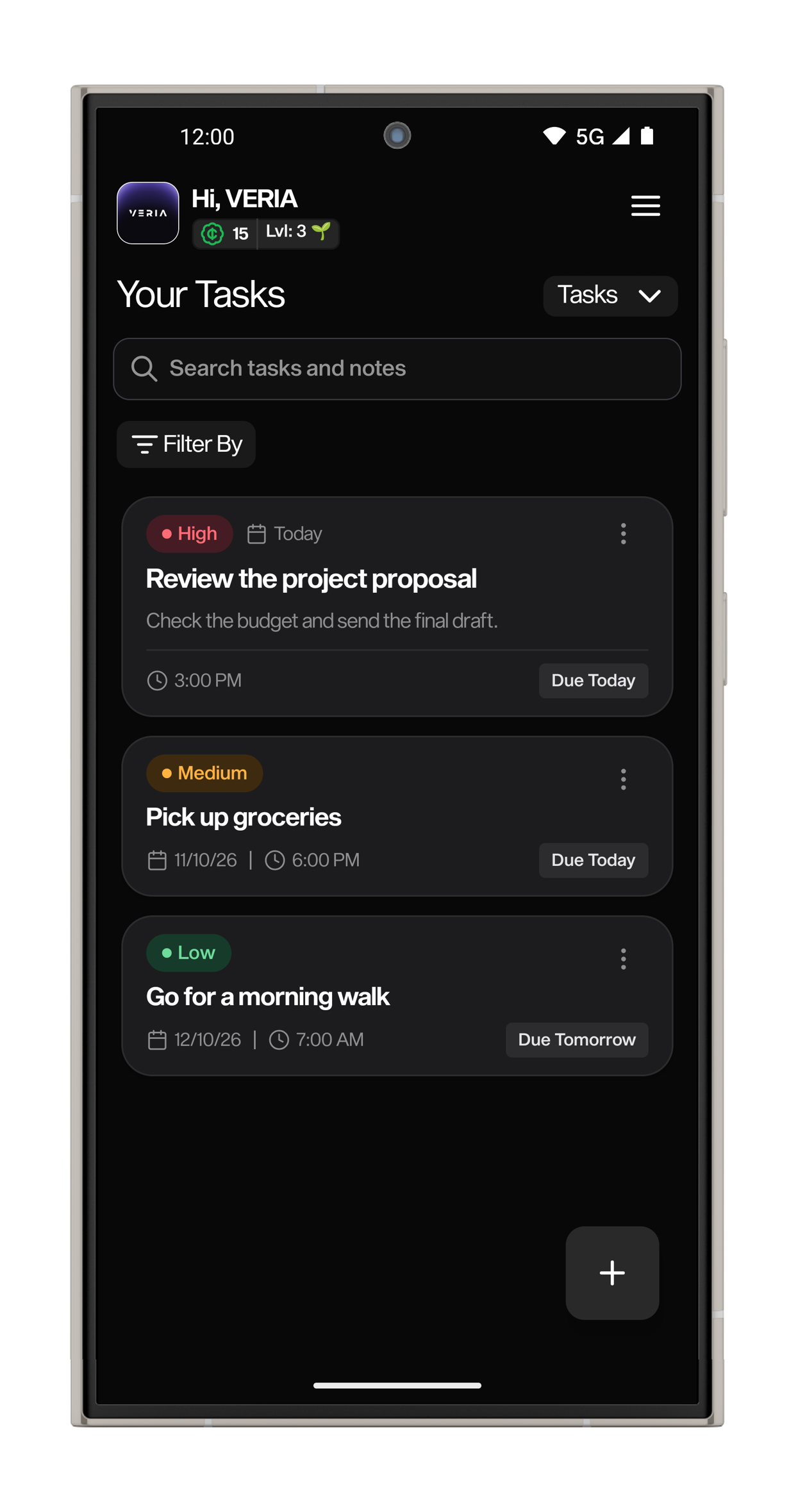
Install Mind Mappr for Windows and keep your planning, writing, and focus tools beside the rest of your desktop work.
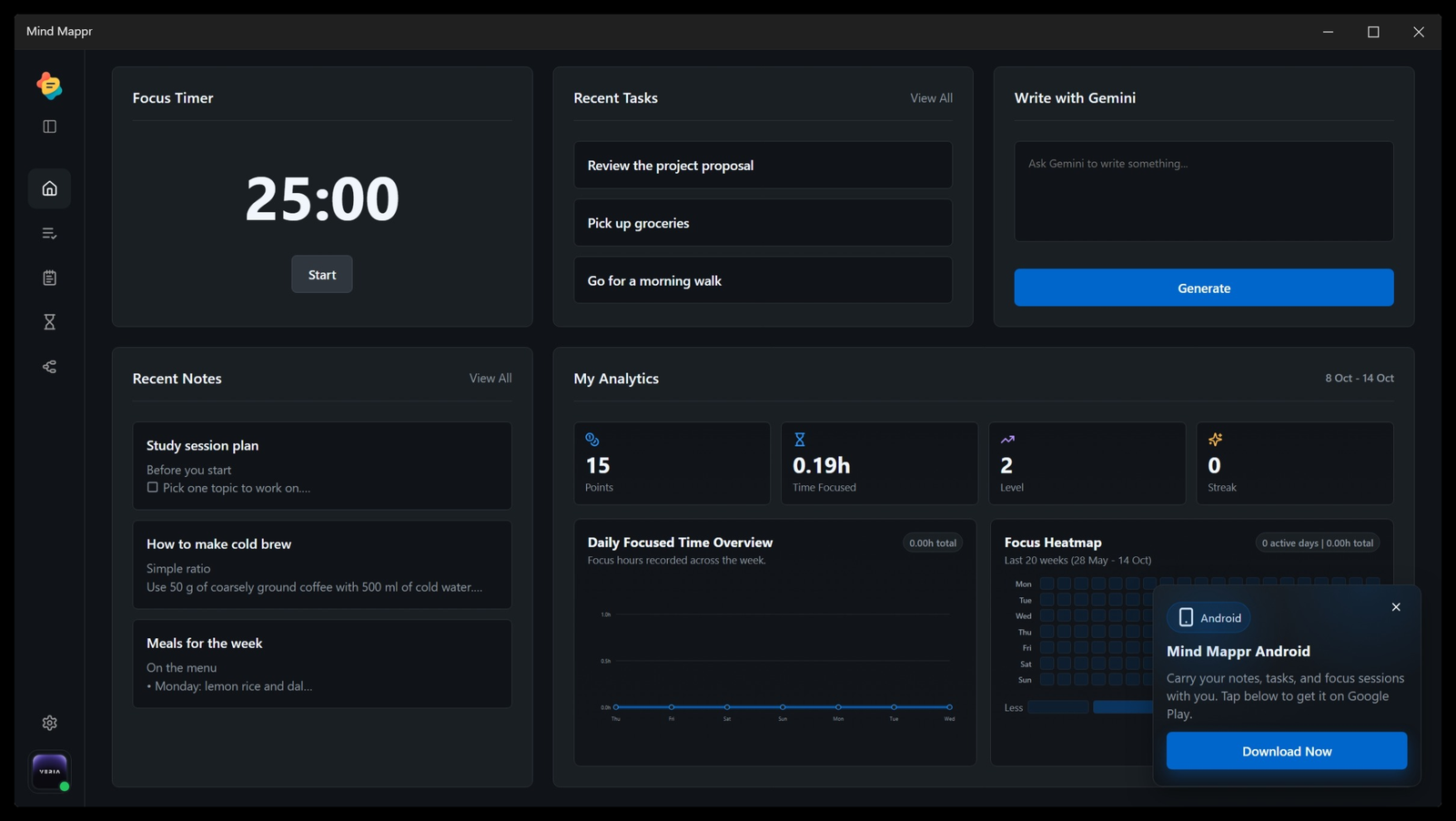
Mind Mappr is available on Web, Android, and Windows.
Open the web app