Mind Mappr 6 for Android and Mind Mappr Web 2.8 are coming on 22 October 2026.
On 22 October, we celebrate six years of VERIA. To mark the anniversary, we’re moving directly to Mind Mappr 6 on Android, (skipping version 5.9), and releasing Mind Mappr Web 2.8.
For these anniversary releases, we’ve focused on helping you do more with the work you save. You’ll be able to develop structured notes, organise ideas with Gemini and connect your tasks with focused work. We’ve improved how you find saved information and prepare mind maps for sharing.
Mind Mappr 6: The Anniversary Update
Write and Organize with Notes
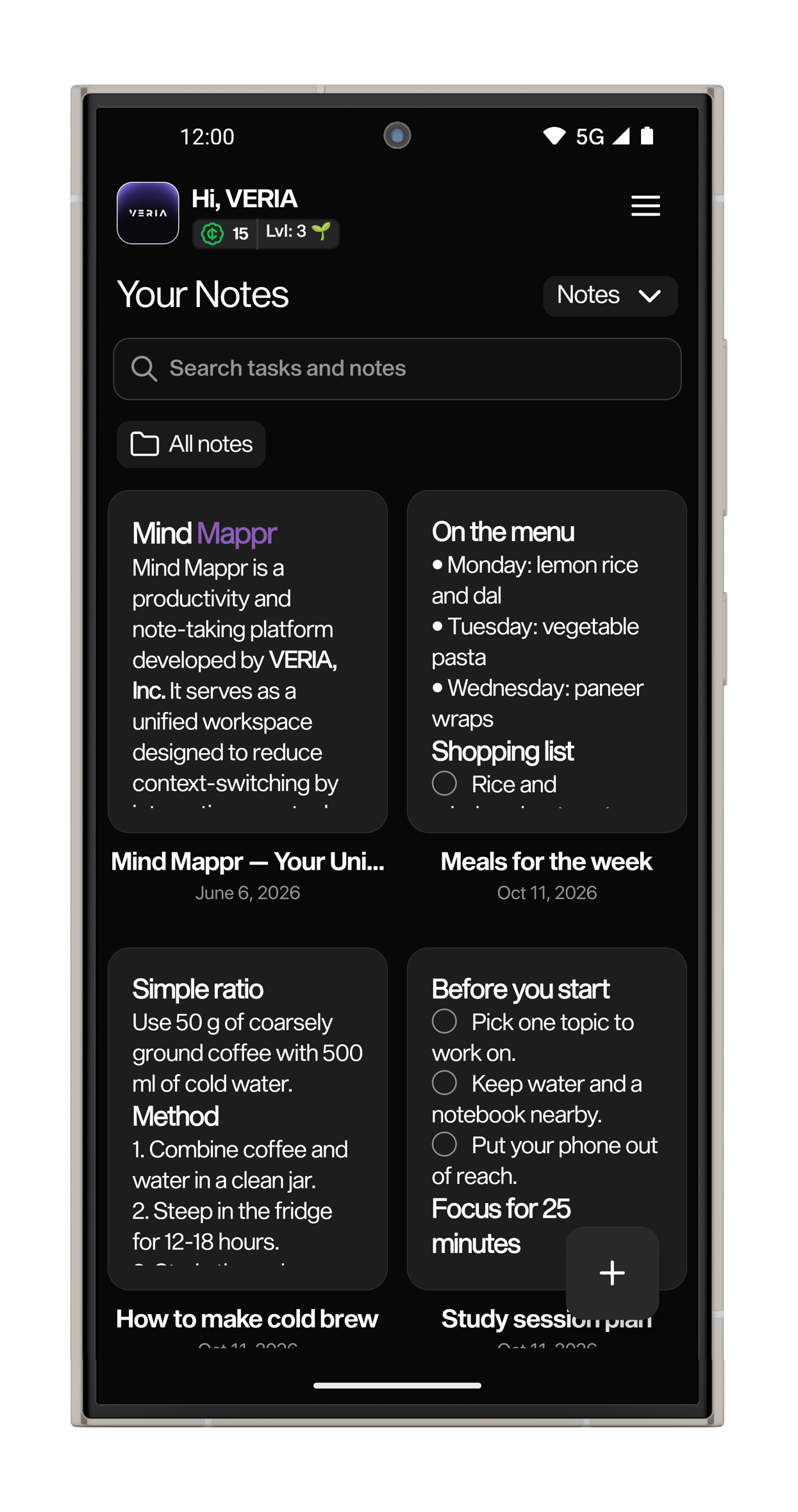
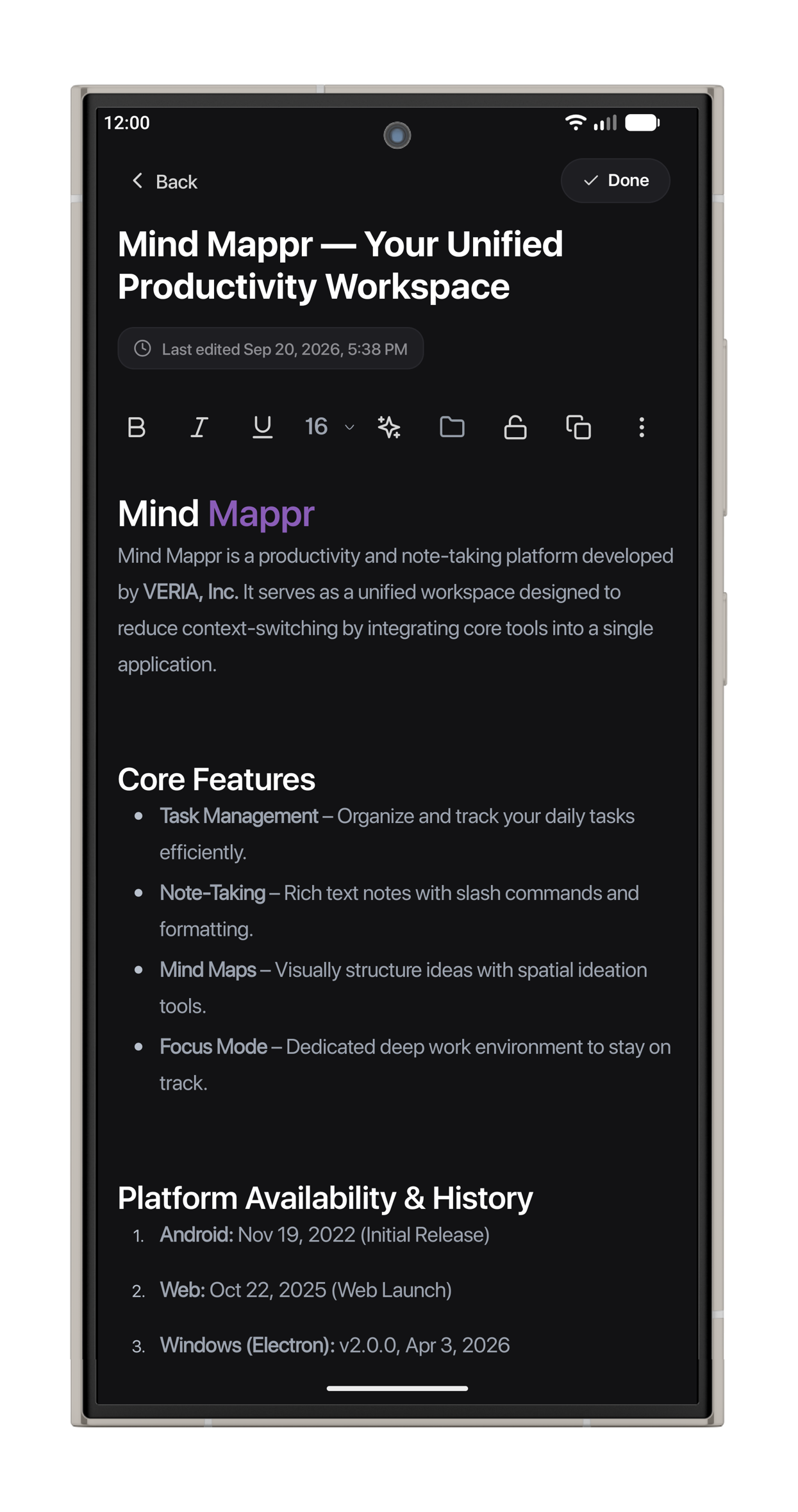
With Notes, you’ll be able to build notes around the content you need. Use headings to organize a study guide, format a longer draft, or add checklists to meeting notes.
You can keep reference material and action items within the same note, with enough structure to return to a longer piece of writing and find your place.
Get Writing Assistance from Gemini
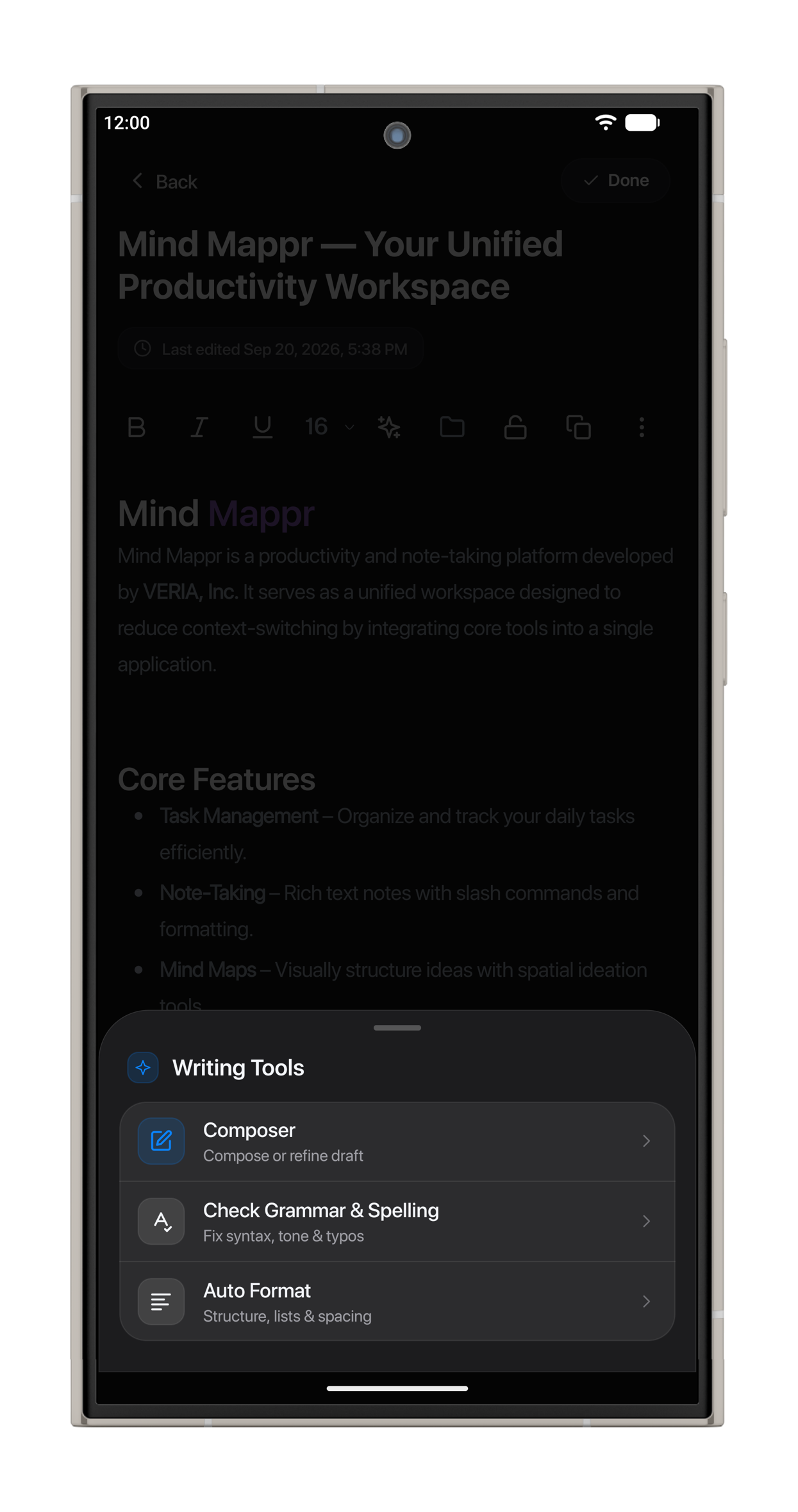
You’ll have Gemini tools inside Notes to help at different stages of writing. Use Composer to create or refine a draft, review grammar and spelling, or organize your note with formatting assistance. You choose which suggestions belong in the finished version.
On Android, guests and signed-in users will have access to Notes AI through a limited free allowance. You can watch a rewarded ad for additional use.
Develop More Expressive Mind Maps
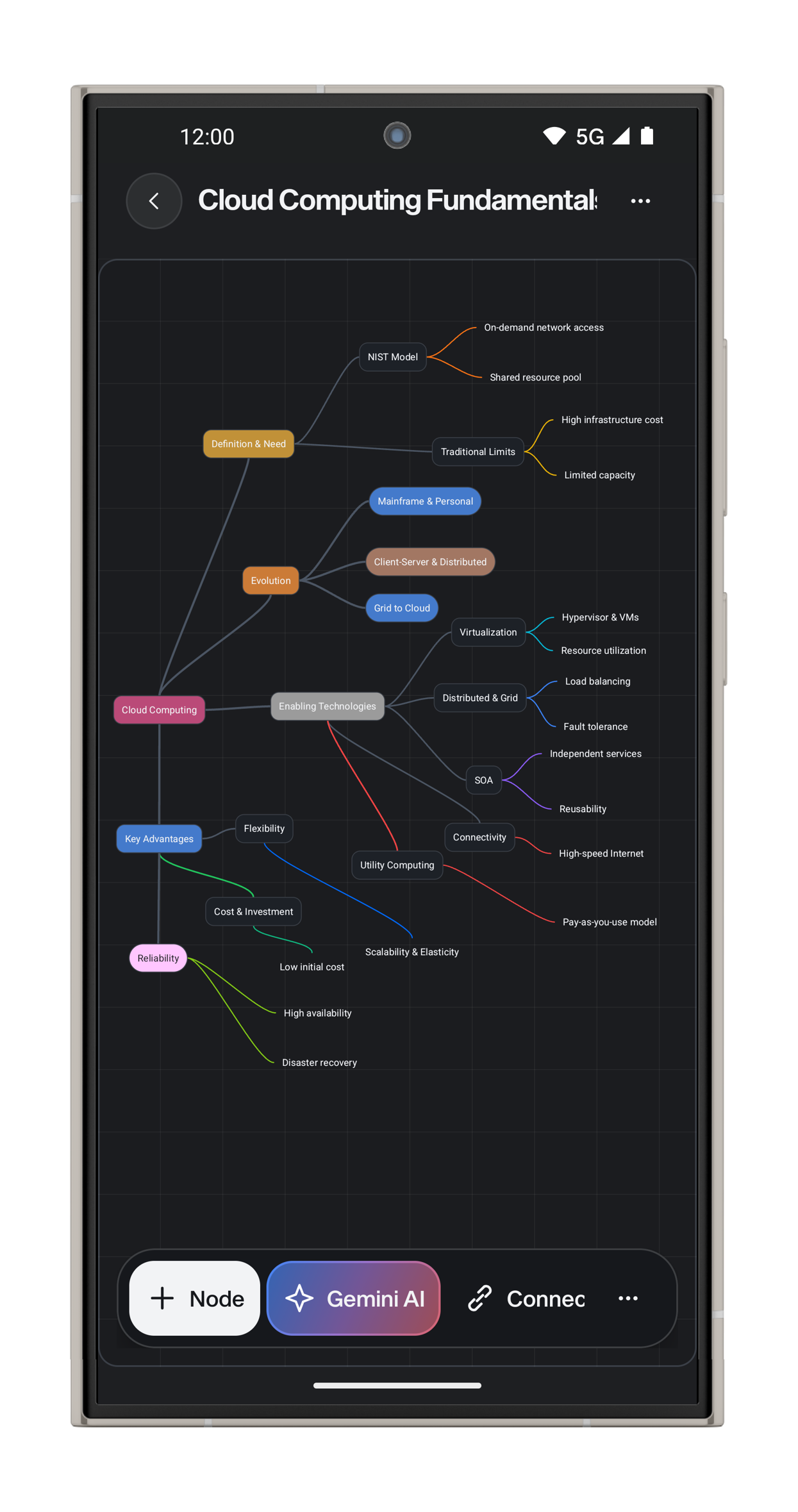
You’ll be able to use Gemini to generate a map or organise an existing one. You’ll see related branches in matching colours and get an overview of a generated map before exploring its details.
For manual editing, you can choose different node shapes, add plain text nodes and use understated subtopics with coloured borders. You can give the central ideas more emphasis while keeping supporting branches lighter.
You’ll be able to export your maps as PNG, PDF or SVG with white backgrounds, contrasting text and larger lettering. For exceptionally large maps, you can choose a reduced-scale PNG export to prepare your work for a document, presentation or printed reference.
Set Aside Time with Focus Mode
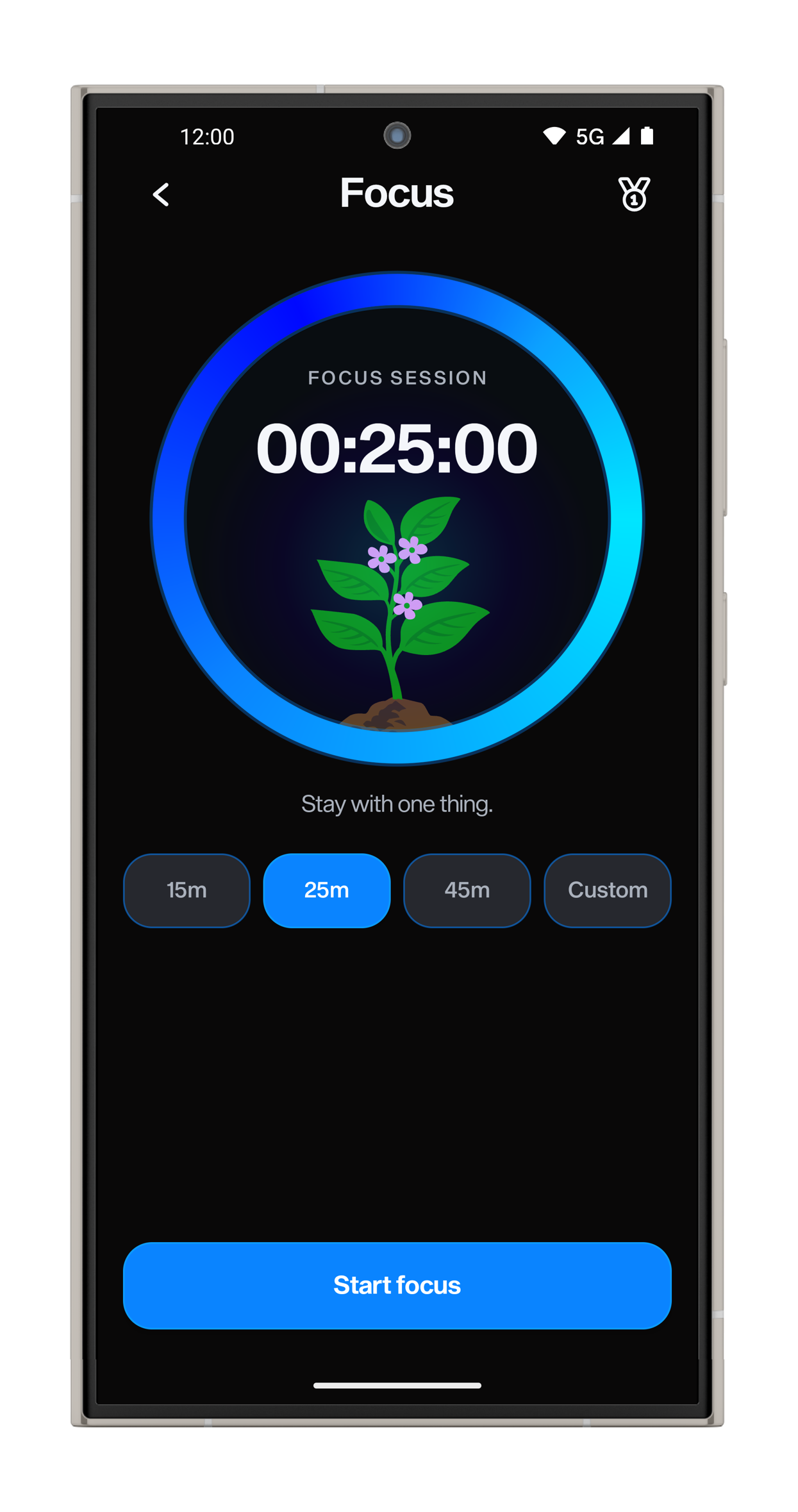
Choose a 15-, 25- or 45-minute focus session, or set a custom duration. You can link the session to a task and follow your progress through a growing plant and progress ring.
You’ll be able to check session progress from the notification without reopening the app. Signed-in users can review their focus history on the dashboard, including total focus time, points, level and streak. With the daily chart and heatmap, you can examine how your routine develops over time.
Find Tasks and Notes Through Unified Search
After enabling Unified Search in settings, you’ll be able to search tasks and notes from one place.
You can find matches in task descriptions, subtasks and note content, as well as titles. You’ll see results grouped into Tasks and Notes, helping you return to an item through a detail you remember. Locked note content will stay out of results while locked.
Set Up Reminders and Finish Capturing Your Work
During new-account setup, you’ll be able to grant missing notification or alarm access, or skip that step. If you need access later, you can respond to a reminder prompt with Allow or No, thanks.
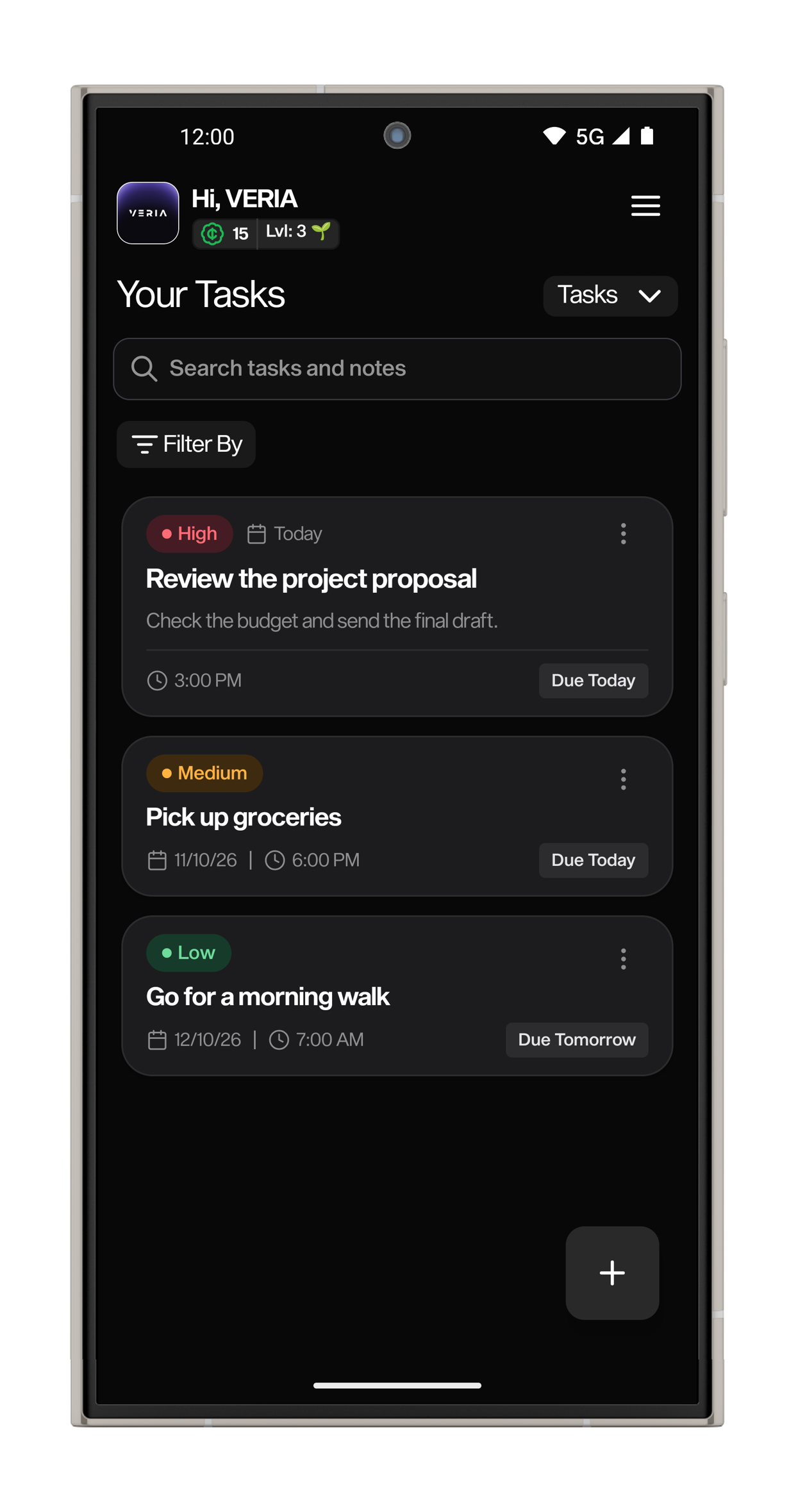
You’ll retain scheduled reminders after restarting your phone and be able to mark a task complete from its notification.
We’ve changed the timing of creation-related ads so you can finish capturing your work before seeing one. These ads will follow a successful save instead of appearing when you open a new task or note. We’re retaining usage-based advertising and removing the extra Account Check screen from startup.
Mind Mappr Web 2.8: Anniversary Release
Start Without an Account
With Guest Mode, you’ll be able to try Mind Mappr Web without creating an account. You can save tasks, notes and mind maps in the browser on that device.
After signing in, you’ll have a path to transfer that work into your account, with safeguards for existing account content and retry options for transfers that need attention.
Guest access will include two mind maps, two note folders and two subtasks per task. You’ll have two daily exports shared between Notes and Mind Maps on the device. For cloud sync and Gemini tools on Web, you’ll need to sign in.
Keep One Focus Session Across Your Workspace
You’ll be able to manage the same focus session from the Dashboard and Focus Mode. Move between screens or reload the app while retaining a running, paused or completed session.
In Tasks, Notes and Mind Maps, you’ll have a compact session strip with the remaining time and controls within reach. You can continue writing or planning while keeping track of the session.
Plan for Today and the Week Ahead
You’ll have All, Today and This Week views to organise your task list.
In Today, you can review unfinished tasks due that day. In This Week, you can plan around the local week beginning on Monday. Through All, you’ll retain access to completed tasks, undated work and older overdue items.
You can search task titles and descriptions alongside priority and archive filters. On the Dashboard, you’ll see unfinished, unarchived work in Upcoming Tasks, with completed items removed from that list.
Save a Note and Continue Writing
You’ll be able to press Save and continue writing in the same position. You’ll see whether you have unsaved changes, a save in progress or a completed save. After a failed attempt, you can keep the draft and retry.
You can search note titles and readable content within folders, with locked notes excluded from search results. From note previews, you’ll be able to recognise structured content such as headings, checklists and callouts before opening a note.
Create Mind Maps from Topics and PDFs
Signed-in users will have three Gemini options for Web mind maps: generate a map from a topic, create one from an uploaded PDF, or organise an existing map.
You’ll be able to review a proposed reorganisation before applying it, with checks to preserve your topics. After generation, you can edit the map and develop the ideas yourself.
You can upload PDFs up to 4 MB. For documents that exceed the first processing attempt, you may be able to use a readable-text fallback. Scanned PDFs without selectable text won’t support that fallback.
Connect Ideas and Export the Complete Map
You’ll be able to build a hierarchy with Subtopics and connect ideas across branches with separate Relations. Use dashed, arrowed relation links to show connections between different parts of your map.
You can add node descriptions, adjust text formatting and choose node or connector colours. With straight, curved and elbow connectors, plus solid or dashed lines, you’ll have more control over how you present those connections.
As your map grows, you can use Fit map, Center map and Full screen controls to explore the canvas. You’ll be able to export the complete map as PNG, SVG or PDF. For PDF, you’ll receive a named, single-page download sized to your map, containing an image of the finished work.
Join Us on 22 October
We’ll celebrate VERIA’s sixth anniversary with Mind Mappr 6 for Android and Mind Mappr Web 2.8 on 22 October 2026.
Thank you for making Mind Mappr part of your work and for being part of these six years of VERIA.